
Before you start
Worm runs on Solana and settles in USDC. You’ll need a Solana wallet (Phantom, Solflare, or Backpack) with USDC on Solana loaded in it. If you don’t have USDC on Solana yet, you can bridge or buy it through your wallet app before continuing.Connect your wallet
Go to worm.wtf and connect your wallet using the button in the top right. Once connected, your USDC balance will appear there.Find a market
The homepage is a live market feed. Use the filter tabs to narrow things down (Trending, New, Leverage, or Ending soon) and the category tabs to browse by topic: Politics, Sports, Crypto, Tech, Finance, or WTF. The search bar at the top works too.Place a trade
Open a market and choose the side you want to trade on. On user-created markets you can place a limit order at a specific price, or fill immediately at the best available price.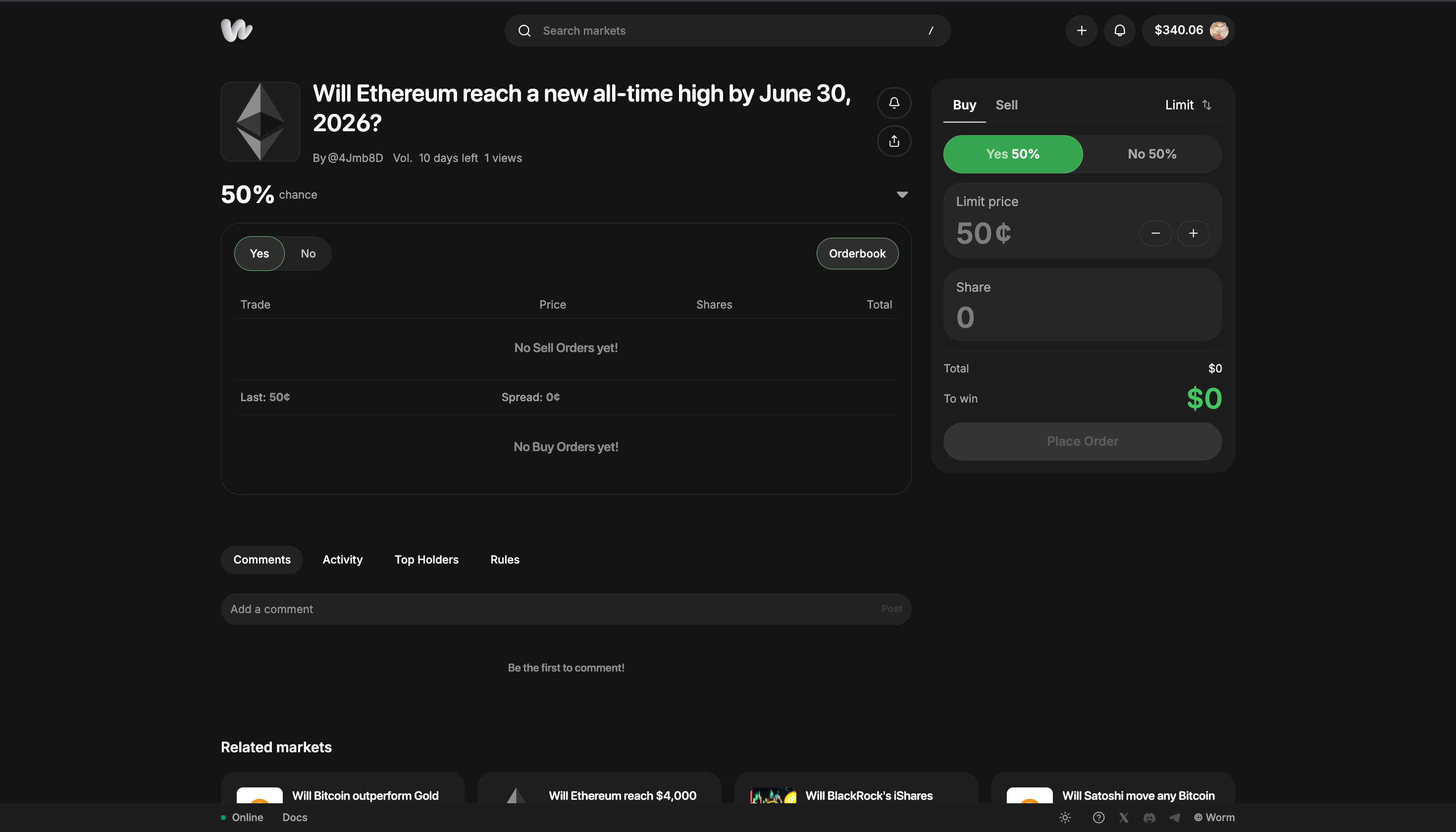
A market showing 50% with no order book activity means no one has traded yet, not a genuine coin flip. Check the rules and form your own view.
Create your own market
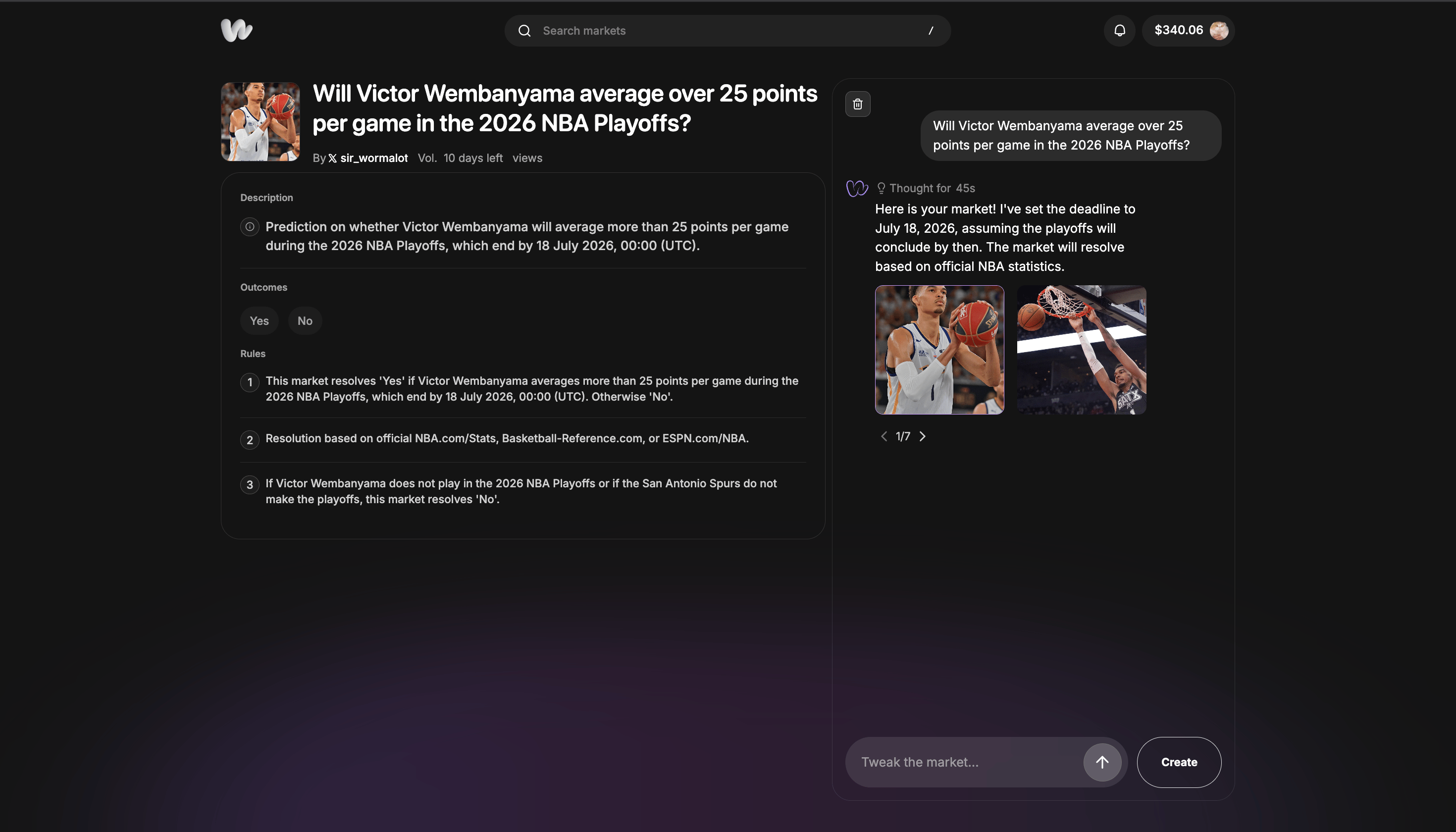
Click the + button in the top right, or type your idea directly into the prompt on the creation screen. Worm’s AI will draft the market rules, set a resolution deadline, and find an image automatically.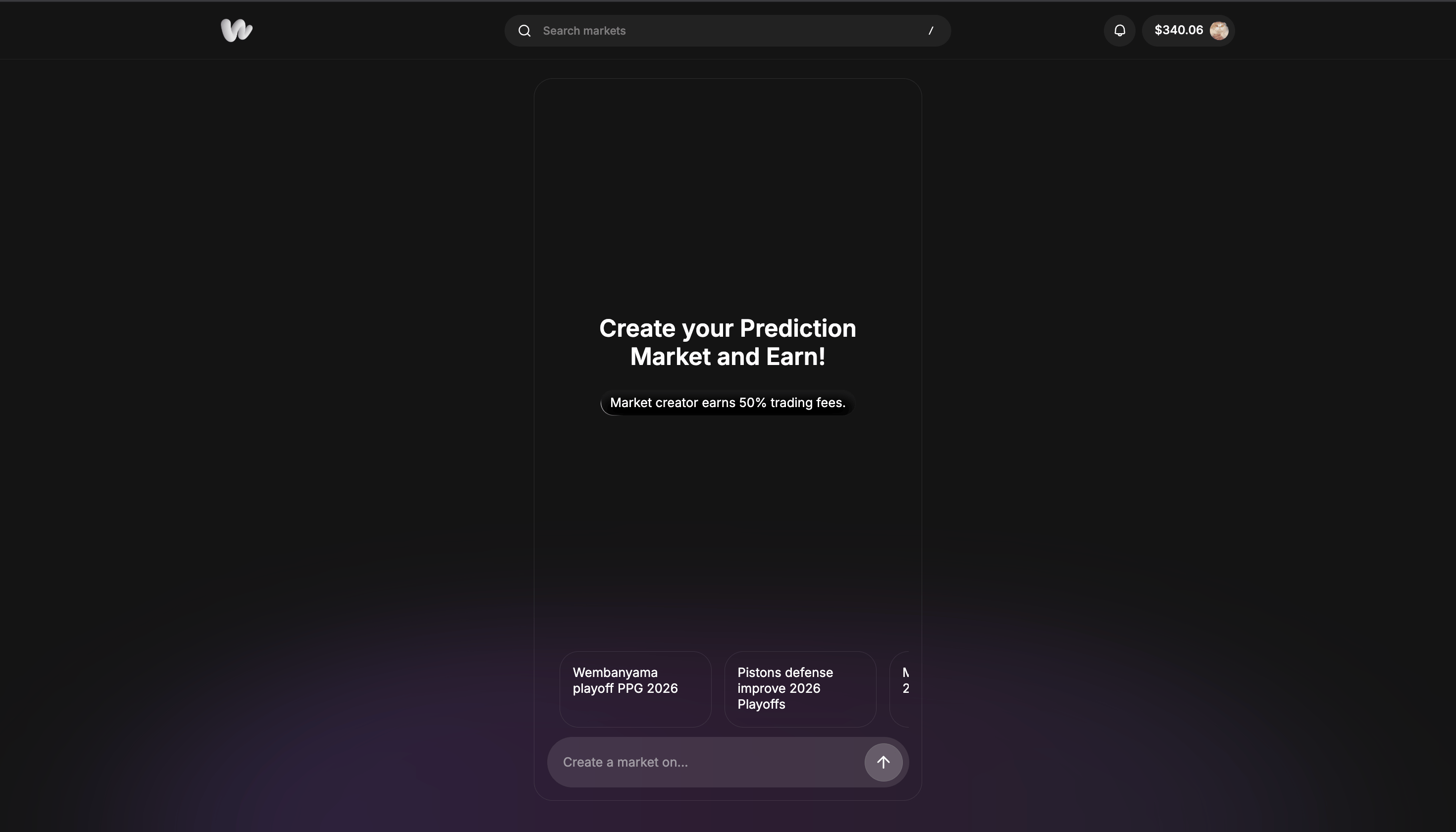
How Markets Work
Understand order books, pricing, and liquidity.
Leveraged Markets
Amplify your returns with 1x–3x leverage.
Settling & Payouts
When markets resolve and how you get paid.
Market Earnings
How creator fees work.